Agent
Understand your website. Put the next step in motion.
Ask about your website, review the next step and let Agent handle supported background work within your permissions.
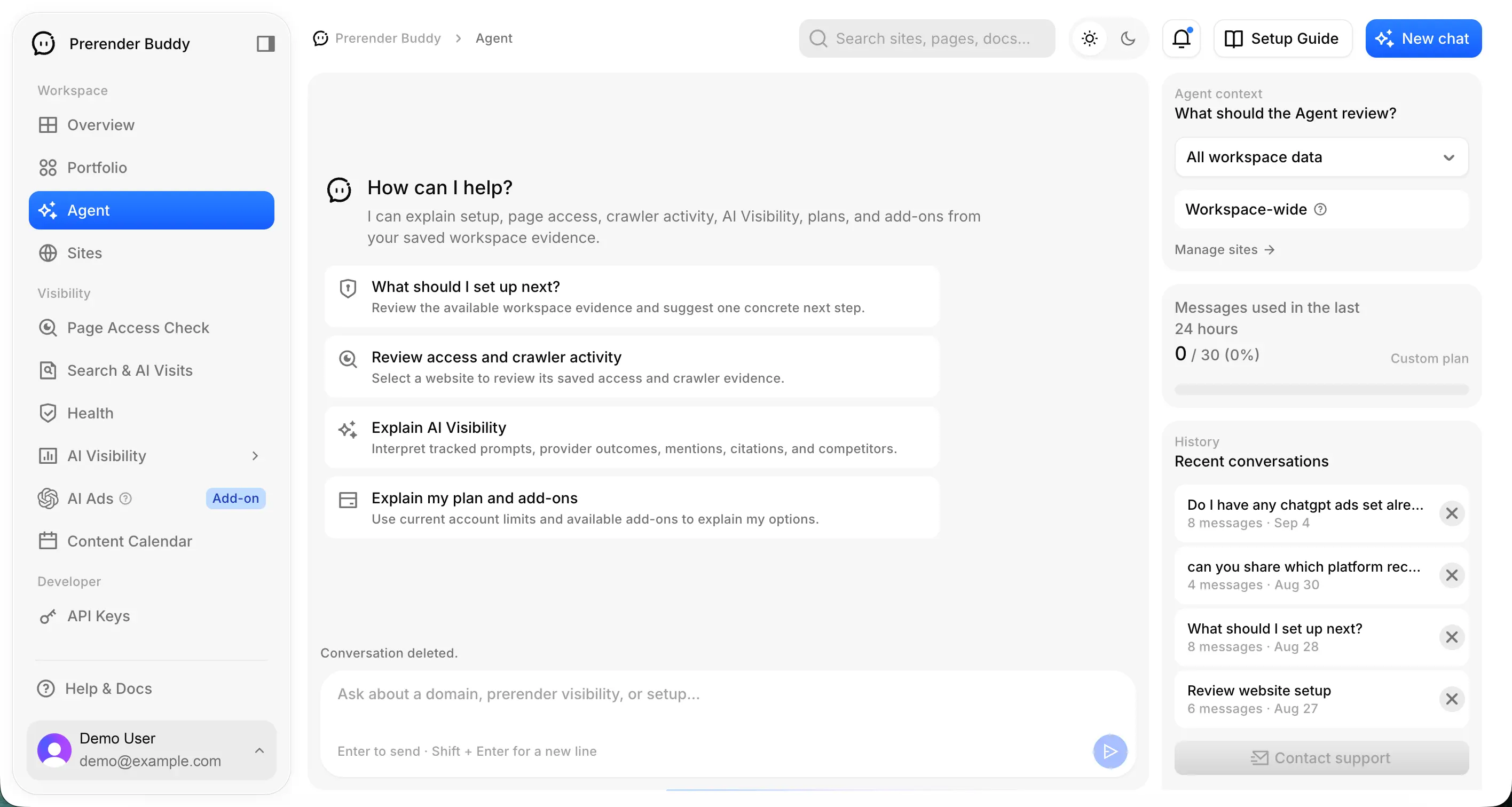
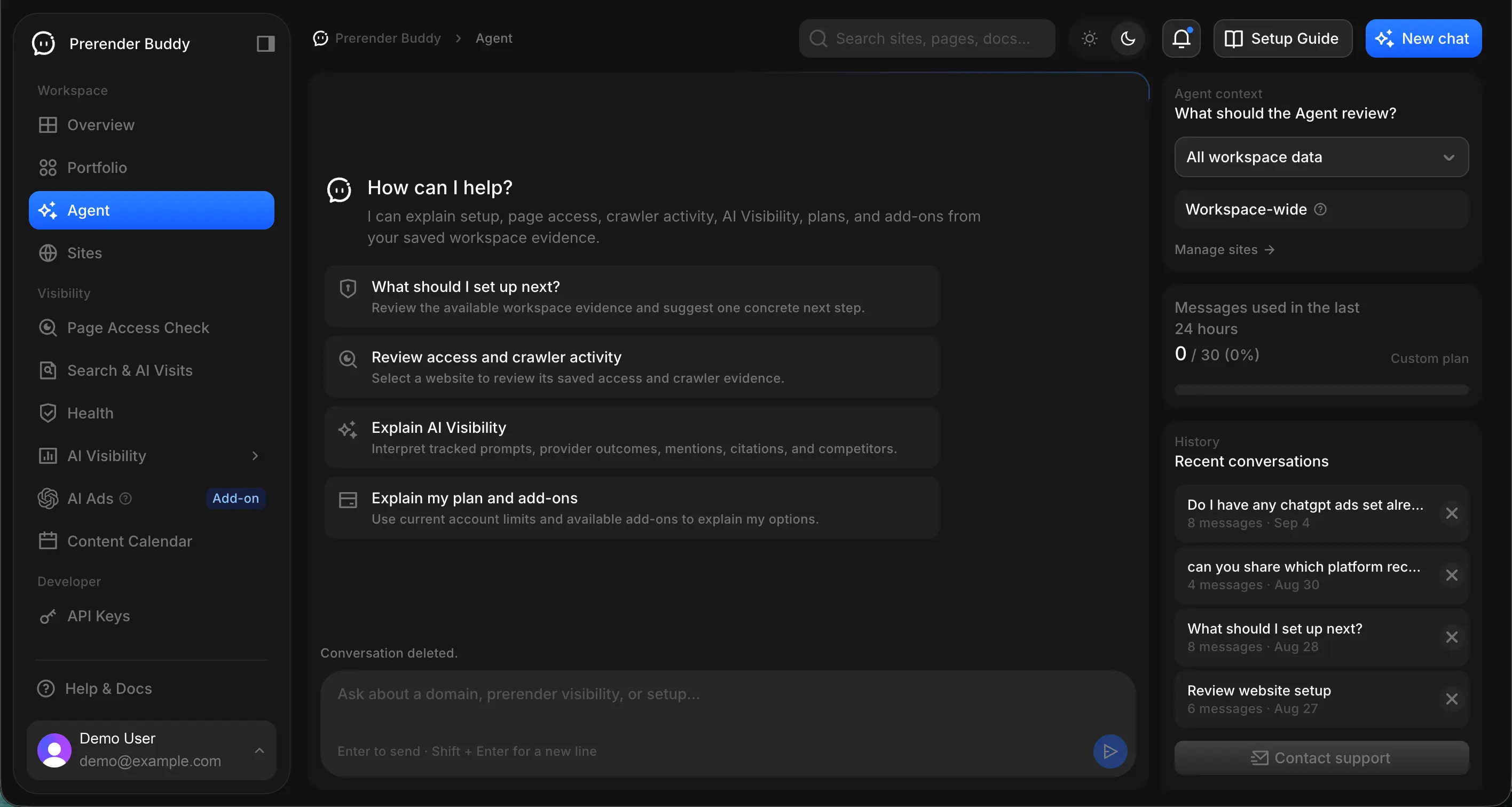
Keep the selected site in view
Choose the relevant site or workspace context before asking a question. Buddy can help explain available product information and saved evidence, and help you identify an appropriate next step.
Check the site context as you move between clients or projects. An answer about one site's records should not become a conclusion about another site.
Use questions with an evidence boundary
Try questions such as:
- “For this site, which recorded Health findings should I review first, and how old is the evidence?”
- “Help me understand the available visibility results. Which observations are missing or incomplete?”
- “Where should I check the allowance or access limit behind this locked workflow?”
A useful response explains what information was available, identifies uncertainty and points you to the relevant product view or next check. If a question requires evidence outside the assistant's current tools, open that source or contact support.
Keep useful work and revisit the original record
Use follow-up questions to clarify the reasoning, copy useful responses and return to the underlying page before acting. A suggested fix is a proposal to review. A generated explanation does not establish that the website was changed or a new measurement was taken.
Conversation history helps you revisit the discussion. Deleting a chat does not restore already consumed usage or delete the site's underlying records.
Approved background work can continue after you close the page. Pause or turn off the relevant permission to stop further content work; an operation already running may finish.
Choose what Agent may do
Agent can propose actions and run supported background checking and article workflows after you approve the plan or permission. A suggestion has not run until the required approval is recorded. Follow completed work and anything waiting for review in Agent Tasks and the conversation.
Publishing Autopilot offers Drafts only, Publish after review and Automatic publishing. Reviewed delivery waits for your approval of the exact finished article. Automatic publishing needs a validated supported CMS, confirmed public business facts, explicit time-limited permission and passing article checks. Keystatic uses the reviewed Git workflow; hosting deployment remains separate.
Agent does not have unrestricted account control or authority to repair arbitrary website problems or start advertising campaigns. Read the Agent guide, article workflow and publishing guides.
Know when to escalate
Agent works within its available evidence, tools and your recorded permissions. Account access, billing discrepancies, failed operations and issues requiring changes may need support or an authorized implementation step.
Include the affected site, relevant time and a safe description of the issue when escalating. Keep credentials and private customer material out of copied examples.
Agent is available on Starter, Growth and Pro; usage and action limits apply across the workspace.
Start with your own evidence.
Review the options available to your workspace, then choose the next useful step.